MarbleFind

تطبيق لمعارض الرخام والجرانيت

كارت اللوح جاهز للمشاركة في دقيقة

صوّر اللوح في المخزن، واختر تصميمًا من 23، وشارك صورة نظيفة عليها اسم الخامة ومقاسها واسم معرضك ورقمك.


احصل عليه من Google Play اكتشف المزيد على AppGallery App Store — قريبًاقريبًا

مجاني، بلا حساب ولا تسجيل.

كيف تستخدمه

  1. 1صوّر اللوح

    في المخزن أو المعرض، كما هو.

  2. 2حرّكه خلف الإطار

    اسحب الصورة بإصبع واحد، والإطار ثابت.

  3. 3كبّر وصغّر بإصبعين

    باعد الإصبعين للتكبير، وقرّبهما للتصغير.

  4. 4اختر تصميمًا

    23 تصميمًا، منها 18 معرضًا واقعيًا.

  5. 5شاركه

    إلى أي تطبيق، صورةً أو PDF.

ماذا يفعل التطبيق

1اللوح في معرض

18 خلفية لمعارض ومخازن رخام، ولوحك قائم فيها على حامله. حرّك صورته خلف النافذة وكبّرها حتى تضبطها.

2قص بإطار وبوك ماتش

إطار أفقي أو رأسي تحرّك الصورة خلفه، ثم بوك ماتش أفقي أو رأسي أو رباعي بلمسة.

3عربي وإنجليزي

الكارت نفسه باللغتين: شعار معرضك يمين في العربي ويسار في الإنجليزي، والأرقام 123.

4كل التصاميم مجانية

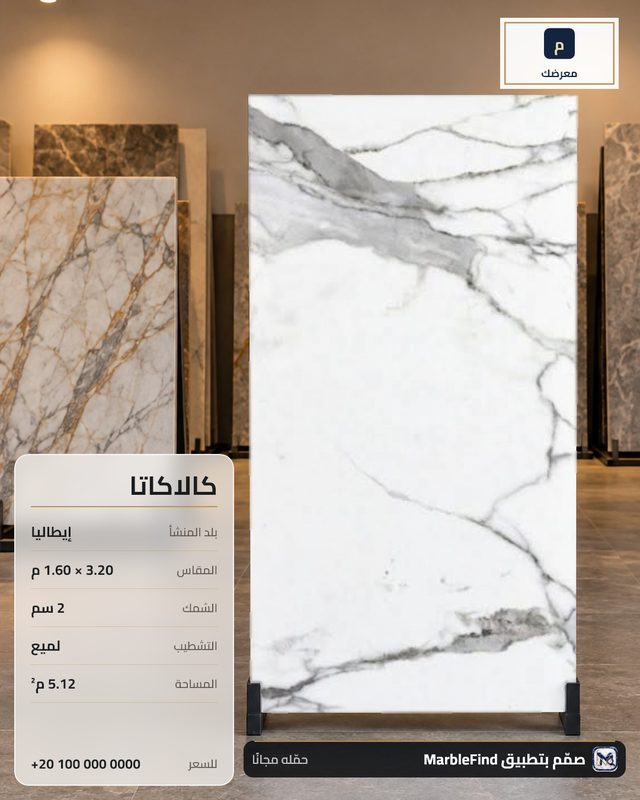
الكروت المجانية عليها علامة «صمّم بتطبيق MarbleFind» تحت اللوح، والاشتراك الشهري يزيلها.

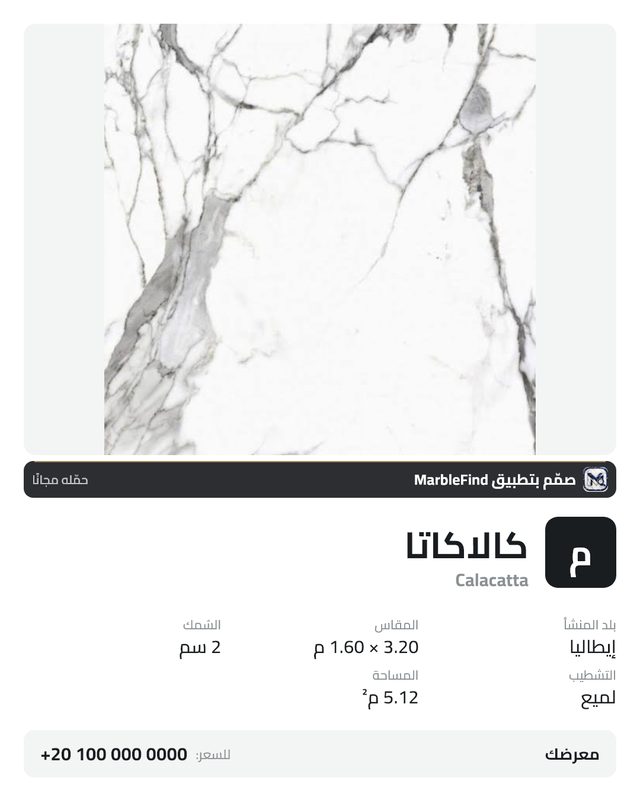
كروت من التطبيق
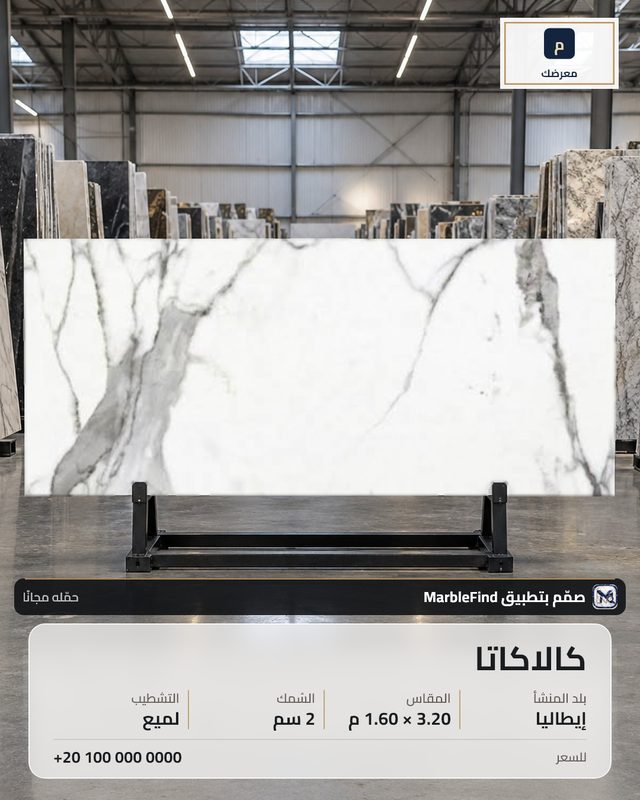
صورك وبياناتك تبقى على هاتفك. لا حساب، ولا إعلانات، ولا تتبّع.

An app for marble and granite showrooms

A slab card ready to share in a minute

Photograph the slab in the yard, pick one of 23 designs, and share a clean picture with the stone's name, size, your showroom's name and number.

Get it on Google Play Explore it on AppGallery App Store — coming soonComing soon

Free, no account, no sign-up.

How to use it

  1. 1Photograph the slab

    In the yard or the showroom, as it stands.

  2. 2Move it behind the frame

    Drag the photo with one finger. The frame stays still.

  3. 3Pinch to zoom

    Spread two fingers to zoom in, bring them together to zoom out.

  4. 4Pick a design

    23 designs, 18 of them real-looking showrooms.

  5. 5Share it

    To any app, as a picture or a PDF.

What the app does

1Your slab in a showroom

18 showroom and stone-warehouse backgrounds with your slab standing on its stand. Move and zoom its photo behind the window until it sits right.

2Frame crop and bookmatch

A landscape or portrait frame you move the photo behind, then a horizontal, vertical or four-way bookmatch in one tap.

3Arabic and English

The same card in both languages: your logo on the right in Arabic and on the left in English.

4Every design is free

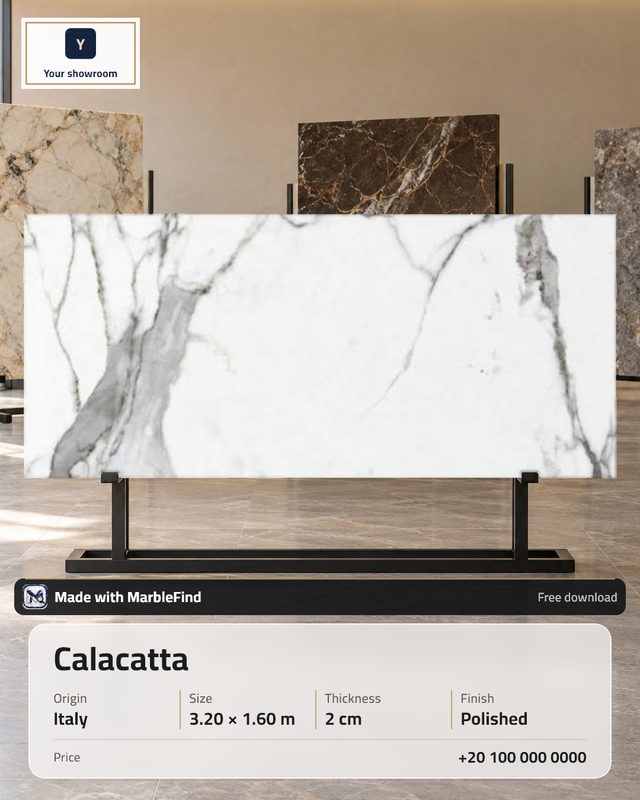
Free cards carry a "Made with MarbleFind" mark under the slab; the monthly subscription removes it.

Cards made with the app

Your photos and data stay on your phone. No account, no ads, no tracking.